UseMealPlanner vs Mealime: Which Meal Planning App Is Better?
A detailed, fair comparison of UseMealPlanner and Mealime. We break down AI recipe generation, pricing, features, and ease of use to help you pick the right meal planning app.
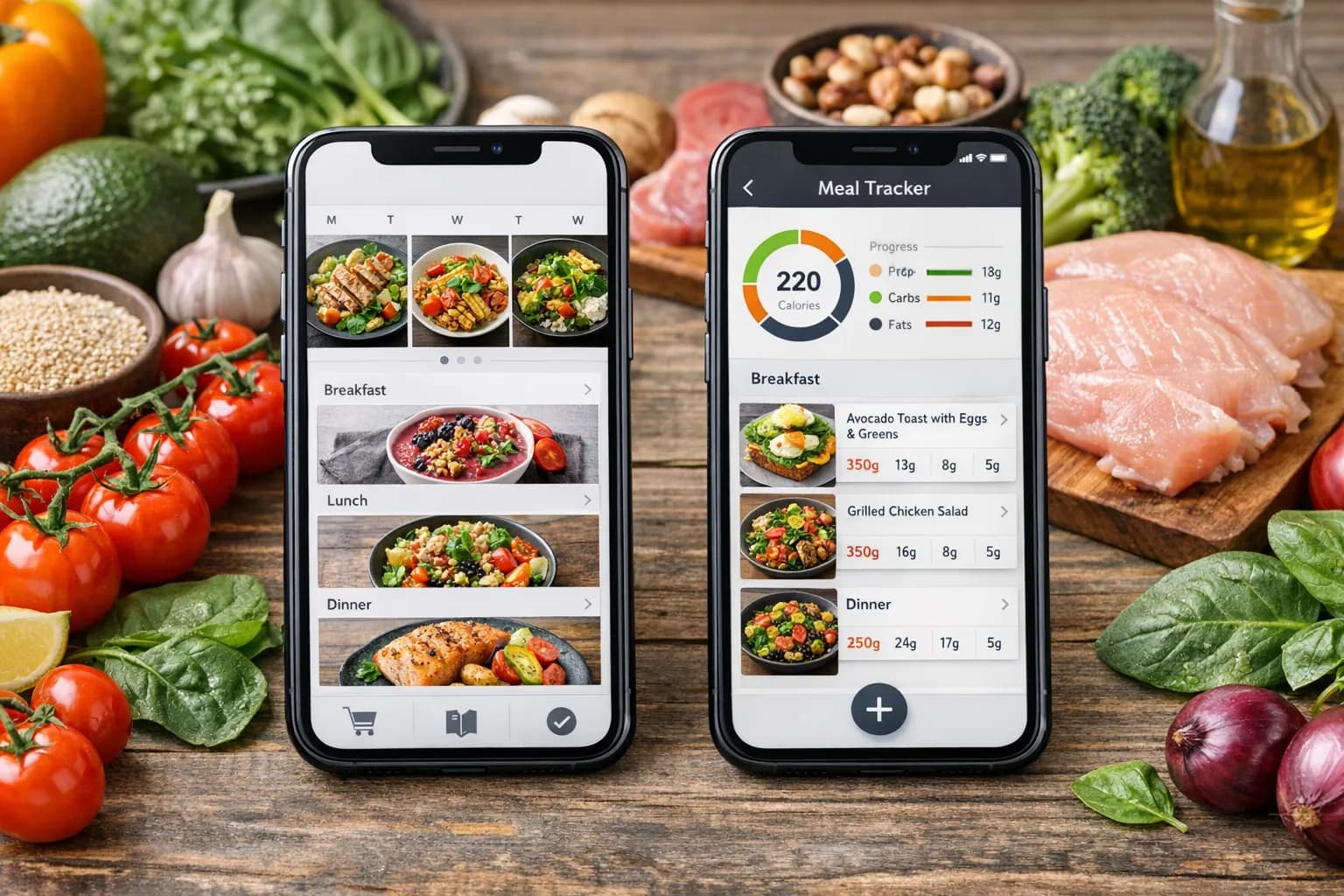
If you have been researching meal planning apps, UseMealPlanner and Mealime are two names that come up frequently. Both aim to solve the same fundamental problem: taking the stress and indecision out of "what should I cook this week?" But they approach that problem from very different angles.
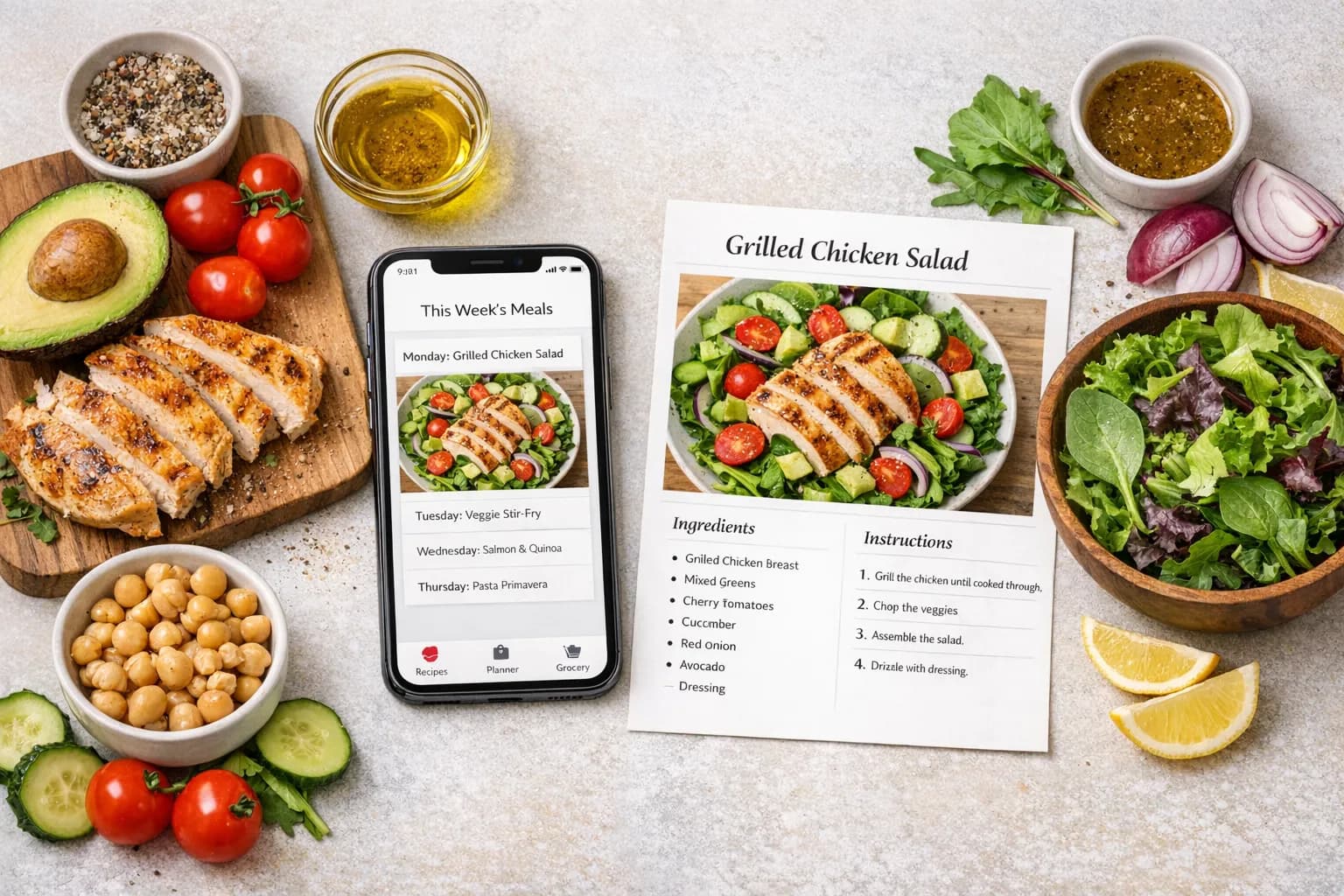
Mealime has been around for several years and has built a strong reputation for its simple, curated approach. You browse a library of tested recipes, pick the ones you want, and the app generates a grocery list. It is fast, clean, and reliable.
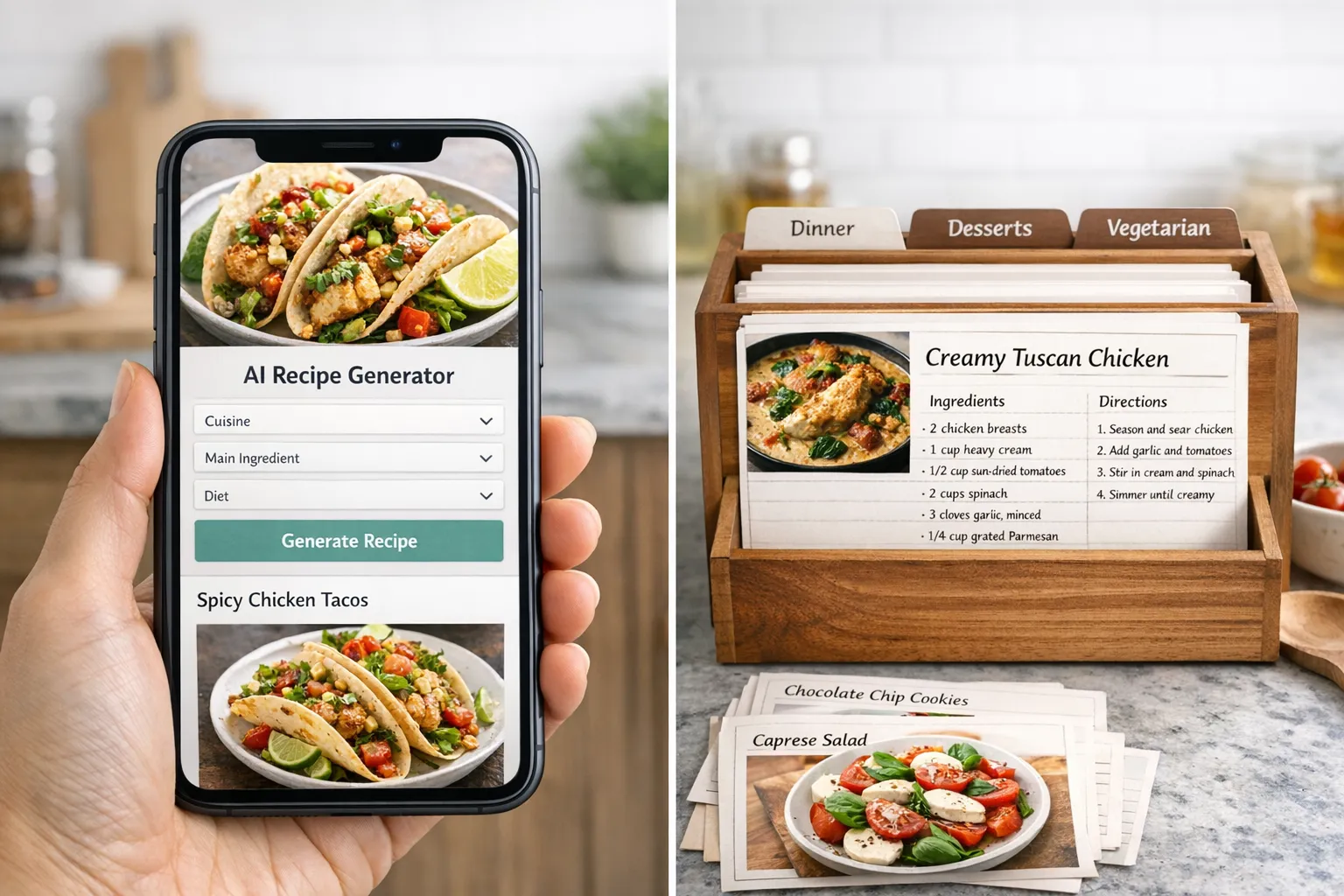
UseMealPlanner takes a different path entirely. Instead of offering a fixed library of recipes, it uses AI to generate entirely new recipes based on your personal preferences, dietary needs, and how many meals you want to plan. Every meal plan is unique to you.
This comparison will walk through both apps feature by feature, so you can make an informed decision about which one fits the way you actually cook.
The Core Difference: Curated Library vs. AI Generation
This is the most important distinction between the two apps, and it affects almost everything else.
Mealime works like a well-organized cookbook. The team behind Mealime has developed and tested a library of recipes, each with clear instructions, consistent formatting, and reliable results. When you open the app, you browse this library, filter by diet type, and select the meals you want for the week. The recipes are proven, and you know what you are getting every time.
The advantage of this approach is consistency. Every recipe has been vetted, photographed, and tested. You will not get a recipe that does not work. The downside is that the library, while large, is finite. If you use the app regularly, you will eventually cycle through familiar recipes, and the variety depends on how quickly the Mealime team adds new content.
UseMealPlanner works more like a personal chef. You tell the app what you like to eat, any dietary restrictions you have, and how many meals you need. The AI generates a complete set of original recipes with ingredients, preparation steps, and cooking times. The recipes are tailored to your inputs, which means two users with different preferences will get completely different meal plans.
The advantage here is virtually unlimited variety and deep personalization. The AI can adapt to specific cuisines, cooking skill levels, and ingredient preferences in ways that a fixed library cannot. The tradeoff is that AI-generated recipes, while generally reliable, have not been individually tested by a human team in the same way Mealime's library has been.
Ready to simplify your meal planning?
Join UseMealPlanner and get AI-generated recipes tailored to your preferences, dietary needs, and schedule.
Download the AppFeature-by-Feature Comparison
| Feature | UseMealPlanner | Mealime |
|---|---|---|
| AI Recipe Generation | ||
| Curated Recipe Library | ||
| Personalized Meal Plans | Filter-based | |
| Grocery List Generation | ||
| Dietary Preference Filters | ||
| Free Cooking Tools | ||
| Ingredient Scaling | ||
| Recipe Sharing | Pro only | |
| iOS App | ||
| Android App | Web + iOS | |
| Free Tier | Free with ads | |
| Ad-Free Experience | Pro only | |
| Recipe Import from URL | ||
| Step-by-Step Cooking Mode |
Meal Planning Workflow
Mealime's workflow is streamlined for speed. Open the app, scroll through recommended recipes or filter by your diet, tap the ones you like, and the app instantly builds a shopping list organized by grocery store section. The entire process can take under five minutes. Mealime also offers a cooking mode that walks you through recipes step by step, which is helpful for less experienced cooks.
UseMealPlanner's workflow starts with your preferences. You set up your profile with dietary needs, cuisine interests, and how many meals you want to generate. The AI then creates a complete meal plan. From there, you can view detailed recipes, adjust ingredient quantities using the built-in scaler, and share recipes with family members. The generation process itself is fast, usually under a minute.
The difference comes down to control vs. convenience. Mealime gives you direct control over which specific recipes end up in your plan. UseMealPlanner lets the AI handle the selection based on your preferences, which saves decision-making time but means you are trusting the AI's choices.
Dietary Support
Both apps handle dietary preferences well, but in different ways.
Mealime lets you filter its recipe library by a solid range of diets: vegetarian, vegan, keto, paleo, low-carb, gluten-free, dairy-free, and more. You set your preferences once, and the app only shows you compatible recipes. This works well if your dietary needs fit neatly into one of the supported categories.
UseMealPlanner handles dietary preferences at the AI generation level. You describe your preferences in your profile, and the AI incorporates them into every recipe it creates. This is more flexible for users with nuanced or combined dietary needs (for example, "low-carb but not strict keto, with a preference for Mediterranean-style cooking"). The AI can interpret and combine these requirements in ways that a filter-based system cannot.
Pricing and Value
Mealime offers a free tier that is genuinely usable, though it includes ads and limits access to some recipes. Mealime Pro removes ads and unlocks the full recipe library and features. The Pro subscription is a recurring monthly or annual fee.
UseMealPlanner also offers a free tier. Paid plans use a pay-per-use model: $10 for 100 meals or $25 for 500 meals. This means you are not paying a monthly fee during weeks or months when you do not use the app. If you generate meal plans regularly, the per-meal cost is very low. If you use the app sporadically, you are not wasting money on an unused subscription.
For users who meal plan every single week, Mealime Pro's subscription might be simpler. For users whose meal planning is more irregular, UseMealPlanner's pay-per-use model often costs less overall.
Free Tools and Extras
This is an area where UseMealPlanner has a clear advantage. The app offers a suite of free cooking tools that anyone can use without creating an account:
- Recipe Scaler: Adjust ingredient quantities for any recipe, whether it is from UseMealPlanner or not
- Unit Converter: Convert between cups, grams, ounces, milliliters, and other cooking measurements
- Ingredient Substitution Finder: Find reliable swaps when you are missing an ingredient
- Cooking Time Converter: Adjust cooking times between different appliances and methods
These tools are useful even if you never use the meal planning features. Mealime does not offer equivalent standalone tools.
Free Tool
Ingredient Substitution Finder
Missing an ingredient? Find a reliable swap instantly with our free tool.
User Interface and Design
Both apps have clean, modern interfaces, but they feel different to use.
Mealime has had years to refine its UI, and it shows. The app is fast, the recipe cards are well-designed with quality photos, and the cooking mode provides a smooth step-by-step experience. Navigation is intuitive, and the app rarely feels cluttered. Mealime is particularly good at making the grocery list feel seamless, with clear categorization and the ability to check off items as you shop.
UseMealPlanner has a modern, web-first design that also works well on iOS. The interface is clean and focused, with a dashboard that shows your generated meal plans and recipes. The recipe detail pages include all the information you need without visual clutter. The free tools are accessible directly from the main navigation, which makes them easy to find and use.
Both apps are well-designed. Mealime has a slight edge in native mobile polish, while UseMealPlanner's web interface and tool integration feel more versatile.
Real-World Scenarios: Which App Wins?
Scenario 1: You are new to meal planning
If you are just getting started with meal planning and want the simplest possible experience, Mealime has a slight advantage. The curated library means you can browse visually, pick recipes that look good, and have a plan ready in minutes. There is less to think about.
That said, if you are new to cooking and want meal plans tailored to your skill level and preferences without having to browse and decide, UseMealPlanner can generate a complete plan with a single click. The beginner's guide to meal planning covers the basics of getting started regardless of which app you choose.
Scenario 2: You have specific dietary needs
If your dietary needs are straightforward (strictly vegetarian, strictly keto, etc.), both apps handle this well. Mealime's filters work cleanly, and UseMealPlanner's AI generates appropriate recipes.
If your dietary needs are more nuanced, UseMealPlanner has the edge. The AI can handle complex combinations and specific ingredient preferences that do not fit neatly into predefined categories.
Scenario 3: You meal plan every week without fail
For consistent, weekly meal planning, Mealime Pro is a strong choice. The subscription model is simple, the library gives you reliable variety, and the workflow is optimized for speed. You will always have new recipes to try as the library grows.
Scenario 4: You want help beyond just planning
If you need cooking tools like scaling, unit conversion, or ingredient substitution alongside your meal planning, UseMealPlanner is the clear choice. Having these tools integrated means you do not need to jump between apps or websites when you are in the middle of cooking. Our weekly budget meal plan shows how these tools work together in practice.
Scenario 5: You cook for a family with different preferences
Families where everyone has different tastes benefit from UseMealPlanner's personalization. The AI can generate recipes that accommodate multiple preferences within the same meal plan. Mealime's filter approach works best when everyone is on the same dietary page.
Tip
You do not have to choose one app permanently. Many users start with Mealime for its simplicity, then try UseMealPlanner when they want more personalization and AI-generated variety. Both offer free tiers, so you can test each one without spending anything.
Who Should Choose Which
Choose UseMealPlanner if you:
- Want AI to generate unique, personalized recipes instead of browsing a library
- Have complex or combined dietary preferences
- Value free cooking tools like recipe scaling and ingredient substitution
- Prefer pay-per-use pricing over monthly subscriptions
- Want recipes tailored to your specific tastes and cooking style
Choose Mealime if you:
- Prefer browsing and selecting from a tested recipe library
- Want the simplest possible meal planning workflow
- Use a step-by-step cooking mode during meal preparation
- Meal plan consistently every week and prefer a subscription model
- Value native Android app support (UseMealPlanner is web + iOS)
Both apps solve the meal planning problem effectively. The choice comes down to whether you want the AI to handle recipe creation for you (UseMealPlanner) or prefer to make those selections yourself from a curated collection (Mealime). Neither approach is objectively better; they serve different types of cooks.
If you are not sure, the fastest way to find out is to try both. Mealime's free tier gives you access to a good portion of its library, and UseMealPlanner's free tier lets you experience AI-generated meal planning without committing. If you are short on time, our 15-minute meal planning method works with either app.
Free Tool
Recipe Scaler
Need to adjust a recipe for your family size? Scale any recipe instantly with our free tool.
Key Takeaway
UseMealPlanner and Mealime take fundamentally different approaches to meal planning. Mealime offers a curated, tested recipe library with a fast, simple workflow that is ideal for consistent weekly planners. UseMealPlanner uses AI to generate unique, personalized recipes with unlimited variety, plus free cooking tools like recipe scaling and ingredient substitution. Choose Mealime for simplicity and proven recipes. Choose UseMealPlanner for AI personalization, flexible pricing, and a broader toolkit.