Best AI Meal Planning Apps in 2026: A Complete Comparison
An honest comparison of the best AI-powered meal planning apps in 2026, including UseMealPlanner, Mealime, Plan to Eat, Eat This Much, Whisk, and Paprika. Find the right tool for your kitchen.
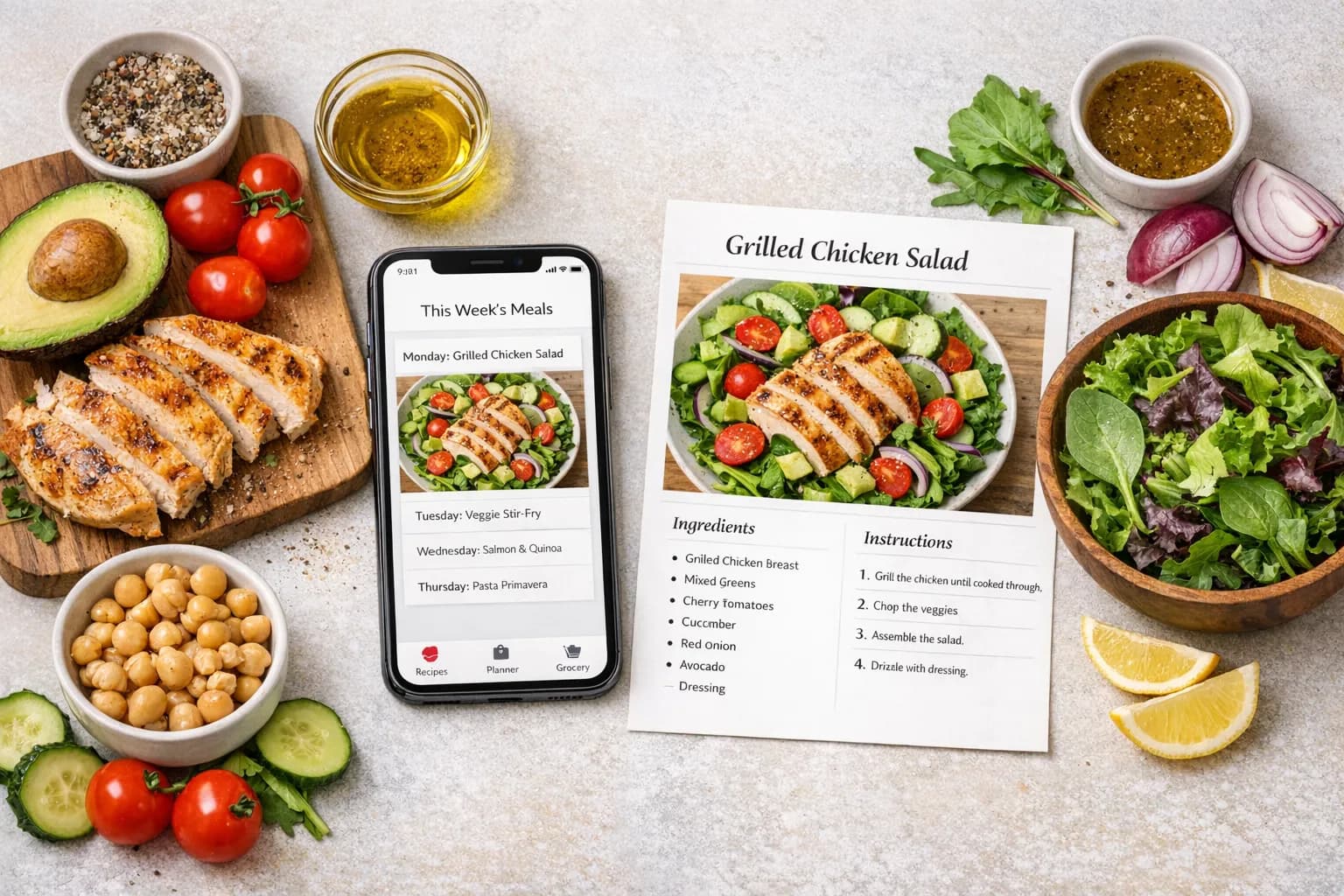
Meal planning apps have changed significantly over the past few years. What used to be glorified digital recipe boxes have evolved into intelligent platforms that can generate personalized recipes, build shopping lists, and adapt to your dietary needs in real time. The driving force behind this shift is artificial intelligence, and in 2026, AI-powered meal planning has moved from novelty to necessity for many home cooks.
But not all meal planning apps use AI in the same way. Some rely on it to generate entirely new recipes. Others use it to recommend dishes from a curated library. A few still focus primarily on manual planning with AI as a light enhancement. The differences matter because they directly affect how much time you save, how personalized your meal plans feel, and whether you actually stick with the app long enough for it to make a difference.
This guide compares the top AI meal planning apps available in 2026, evaluating each on the features that actually matter: recipe quality, personalization, ease of use, pricing, and whether the app fits into the way you already cook.
What Makes a Great AI Meal Planning App
Before diving into individual apps, it helps to know what separates a genuinely useful AI meal planner from one that just uses "AI" as a marketing term.
True recipe generation vs. recommendation: The most advanced apps can create entirely new recipes based on your preferences, dietary restrictions, and available ingredients. Others simply filter and recommend from a pre-built database. Both approaches have merit, but they produce very different experiences.
Personalization depth: Can the app adapt to your specific needs? A good meal planner should handle dietary restrictions, cuisine preferences, cooking skill level, household size, and time constraints without requiring you to manually filter through hundreds of options.
Practical features: Shopping lists, ingredient scaling, unit conversion, and recipe sharing are table stakes. The best apps go further with tools like ingredient substitution finders and recipe scalers that solve real cooking problems.
Pricing fairness: Some apps lock basic features behind expensive subscriptions. Others offer generous free tiers that let you evaluate the product before committing. The best value is not always the cheapest option; it is the one that gives you the most useful features for what you pay.
Ready to simplify your meal planning?
Join UseMealPlanner and get AI-generated recipes tailored to your preferences, dietary needs, and schedule.
Download the AppThe 6 Best AI Meal Planning Apps in 2026
1. UseMealPlanner
Best for: AI-generated personalized recipes and all-in-one cooking tools
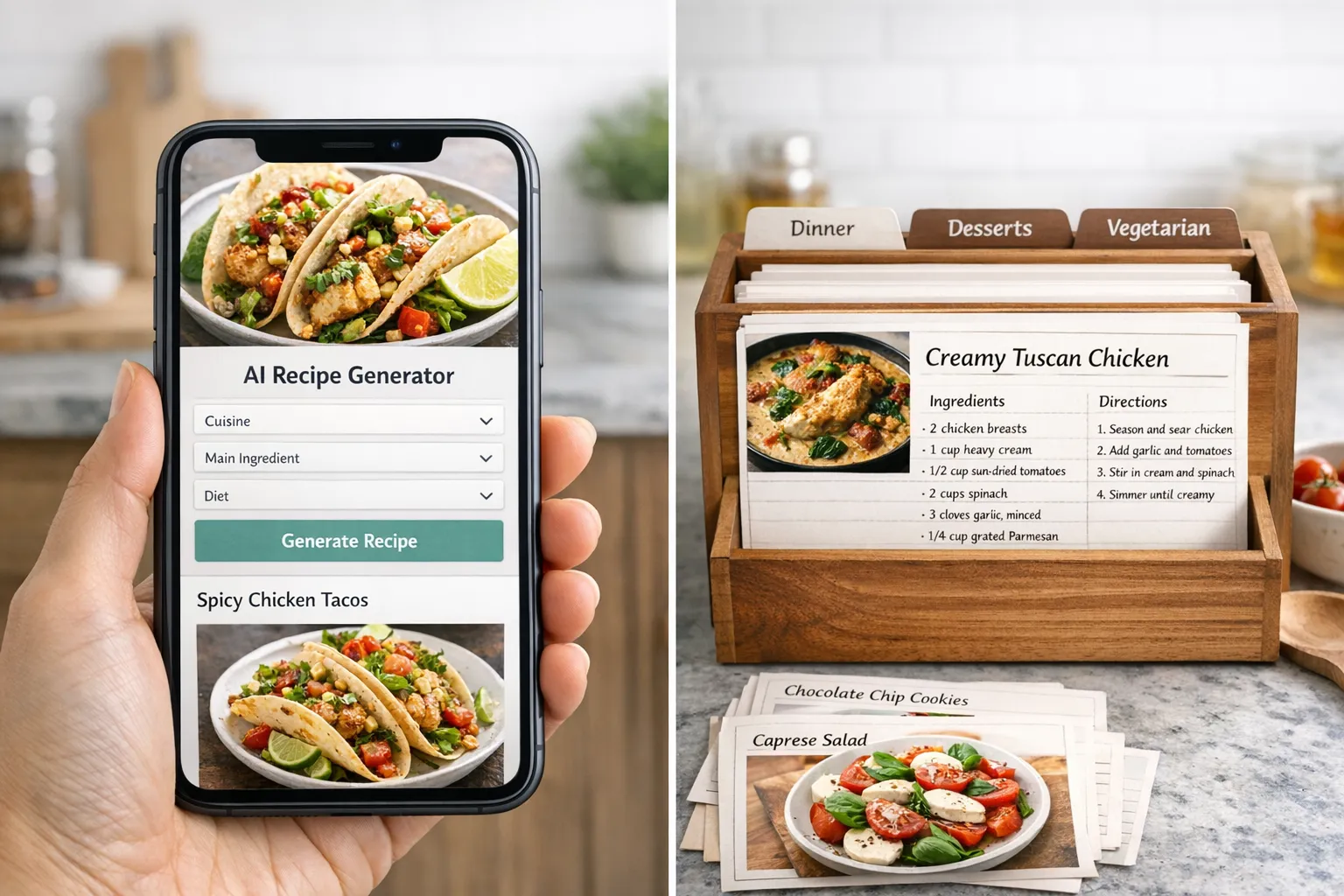
UseMealPlanner takes a fundamentally different approach from most meal planning apps. Instead of offering a library of pre-written recipes that you browse and select, it uses AI to generate entirely new recipes based on your specific preferences, dietary needs, and the number of meals you want to plan.
When you set up your profile, you specify your meal preferences, any dietary restrictions, and how many meals you need. The AI then creates a complete meal plan with original recipes, including detailed ingredients, preparation steps, and cooking times. Every plan is different, which means you are not cycling through the same 50 recipes like you would with a curated library.
Beyond meal planning, UseMealPlanner offers a suite of free cooking tools that work independently of the meal planner: a recipe scaler, a unit converter, an ingredient substitution finder, and a cooking time converter. These tools are available to anyone, no account required.
Pricing: Free tier available. Paid plans start at $10 for 100 AI-generated meals.
Pros:
- AI generates truly unique, personalized recipes rather than pulling from a fixed database
- Free cooking tools available without an account
- Clean, modern interface with iOS app support
- Pay-per-use pricing means you only pay for what you generate
- Supports dietary preferences and customization
Cons:
- Smaller community compared to established apps
- No recipe import from external URLs
- Focused on AI generation rather than manual planning tools
2. Mealime
Best for: Quick, simple meal planning with a curated recipe library
Mealime has built a loyal following by keeping things simple. The app presents a curated library of recipes that you can filter by dietary preference (vegetarian, keto, paleo, and more), and it automatically generates a grocery list based on your selections. The interface is clean and fast, making it easy to build a weekly plan in just a few minutes.
Mealime's strength is its recipe quality. Every recipe in the library has been tested and optimized for home cooks, with clear instructions and reliable results. The app does not try to do everything; it focuses on getting you from "what should I cook" to "here is my grocery list" as quickly as possible.
Pricing: Free with ads. Mealime Pro removes ads and unlocks additional recipes and features.
Pros:
- Very clean, intuitive interface
- Well-tested recipe library with consistent quality
- Fast grocery list generation
- Good dietary filter options
- Free tier is genuinely usable
Cons:
- Recipes are curated, not AI-generated, so variety depends on the library
- Limited customization beyond dietary filters
- Pro subscription required for the full recipe collection
- No cooking tools beyond the core planning features
3. Plan to Eat
Best for: Recipe collectors who want to organize and plan from their own recipes
Plan to Eat is designed for people who already have recipes they love and want a tool to organize them into meal plans. Its standout feature is the recipe clipper, which can import recipes from virtually any website with a single click. Once imported, recipes are stored in your personal cookbook and can be dragged onto a calendar-style meal planner.
The drag-and-drop calendar is genuinely well-designed. You can plan weeks or months in advance, and the app automatically generates a shopping list from whatever meals are on the calendar. Family sharing lets multiple household members access and edit the plan.
Pricing: $5.95 per month or $49.95 per year after a 14-day free trial. No free tier.
Pros:
- Best-in-class recipe import from any URL
- Excellent drag-and-drop calendar interface
- Strong family sharing features
- Good shopping list organization by store section
- Reliable and stable platform with years of development
Cons:
- No free tier; requires subscription after trial
- No AI recipe generation; you supply the recipes
- Interface feels more functional than modern
- Limited recipe discovery or suggestions
4. Eat This Much
Best for: Nutrition-focused meal planning with calorie and macro tracking
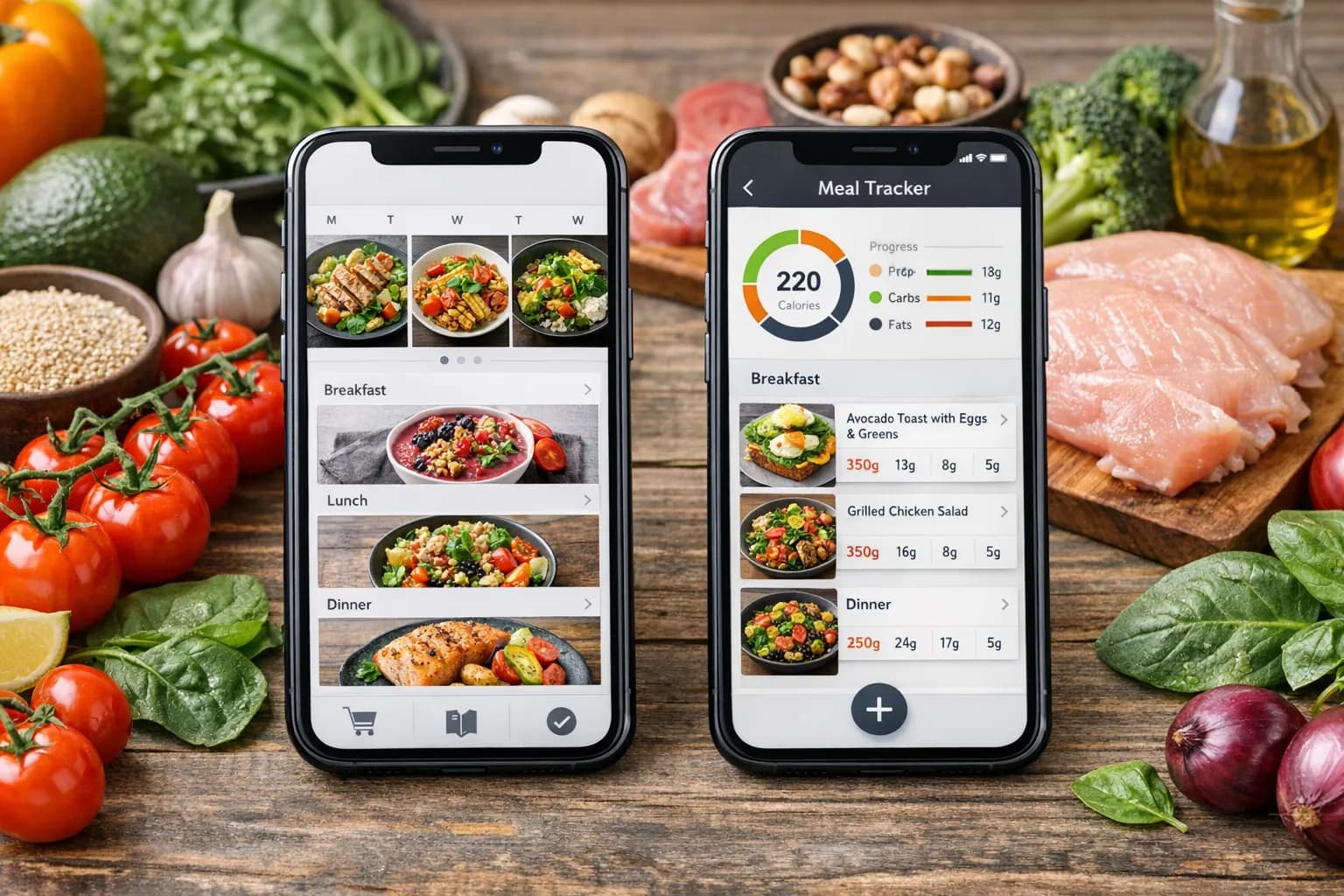
Eat This Much approaches meal planning from a nutrition-first perspective. You set calorie targets, macronutrient ratios, and dietary preferences, and the app generates meal plans that hit those numbers. This makes it particularly useful for people with specific fitness or health goals who need precision in their nutrition.
The app can auto-generate full days of eating based on your targets, pulling from its recipe database and adjusting portions to match your calorie needs. It also integrates with grocery delivery services in some markets, which adds convenience for users who want end-to-end automation.
Pricing: Free basic plan with limited features. Premium starts at $9 per month.
Pros:
- Excellent for macro and calorie tracking
- Auto-generates meal plans based on nutritional targets
- Portion adjustment to meet specific calorie goals
- Grocery delivery integration in supported areas
Cons:
- Recipe quality varies; some generated plans feel mechanical
- The nutrition focus can make casual meal planning feel overly complex
- Free tier is quite limited
- Interface can feel overwhelming for non-fitness users
5. Whisk
Best for: Recipe discovery and smart shopping lists
Whisk, backed by Samsung, focuses on the discovery side of meal planning. The app aggregates recipes from publishers and food bloggers across the web, letting you save, organize, and plan meals from a massive collection of content. Its smart shopping list technology parses ingredients intelligently, combining duplicates and organizing by category.
Whisk works well as a recipe aggregation tool. If you spend time browsing food blogs and cooking websites, Whisk gives you a centralized place to save everything and turn it into actionable meal plans and shopping lists.
Pricing: Free.
Pros:
- Free to use with no subscription required
- Massive recipe discovery from across the web
- Smart shopping list that consolidates ingredients
- Samsung ecosystem integration for smart kitchen devices
Cons:
- No AI recipe generation; relies on existing web content
- Planning tools are basic compared to dedicated meal planners
- Recipe quality depends on the source
- Less control over personalization and dietary customization
6. Paprika Recipe Manager
Best for: Serious home cooks who want a powerful recipe management tool
Paprika has been a staple in the recipe management space for years. It is a robust tool for saving, organizing, and scaling recipes. The app can import recipes from the web, and its built-in tools for scaling ingredients and converting units make it practical for everyday cooking.
Paprika is a one-time purchase rather than a subscription, which appeals to users who dislike recurring fees. The app syncs across devices and offers features like meal planning, grocery lists, and pantry tracking, though its meal planning capabilities are more manual than AI-driven.
Pricing: One-time purchase (around $5 per platform).
Pros:
- One-time purchase with no subscription
- Excellent recipe management and organization
- Built-in scaling and unit conversion
- Cross-platform sync
- Mature, well-maintained app
Cons:
- No AI recipe generation or smart recommendations
- Meal planning is manual and less sophisticated
- Interface design shows its age
- No community or social features
Feature Comparison at a Glance
| Feature | UseMealPlanner | Top Competitors (Avg) |
|---|---|---|
| AI Recipe Generation | ||
| Personalized Meal Plans | Limited | |
| Free Cooking Tools | ||
| Recipe Import from URL | ||
| Grocery List | ||
| Dietary Preference Support | ||
| iOS App | ||
| Ingredient Scaling | Some apps | |
| Free Tier Available | Varies | |
| Nutrition/Macro Tracking | Some apps | |
| Recipe Sharing | Some apps | |
| Pay-Per-Use Pricing |
How to Choose the Right App for You
The best meal planning app depends entirely on how you cook and what problems you are trying to solve.
Choose UseMealPlanner if you want the AI to do the creative work. If you are tired of browsing recipe databases and want a tool that generates personalized recipes tailored to your preferences, this is the strongest option. The free cooking tools are a significant bonus, and the pay-per-use pricing means you are not locked into a subscription you might not use every month.
Choose Mealime if you prefer curated, tested recipes and want the simplest possible workflow. Mealime excels at getting you from zero to a meal plan in minutes, and its free tier is generous enough for casual use.
Choose Plan to Eat if you already have a collection of recipes from websites and cookbooks and want a tool to organize and plan around them. The recipe import feature is the best in the category, and the calendar interface makes long-term planning intuitive.
Choose Eat This Much if you have specific nutritional goals and need your meal plans to hit calorie and macro targets. No other app in this list matches its precision for nutrition-focused planning.
Choose Whisk if you love discovering new recipes from food blogs and want a free tool that organizes everything in one place. It is not the most powerful planner, but it is an excellent recipe aggregator.
Choose Paprika if you want a one-time purchase with strong recipe management features. It is the most cost-effective option long-term for users who do not need AI generation.
Tip
If you are new to meal planning entirely, start with our beginner's guide to meal planning to understand the basics before choosing an app. The right tool is only useful if you have a system to use it with.
The Bigger Picture: AI in Meal Planning Is Still Early
It is worth noting that AI-powered meal planning is still maturing. The apps that generate recipes using AI are improving rapidly, with better personalization, more accurate ingredient lists, and recipes that actually taste good. But the technology is not perfect, and there will be occasional recipes that miss the mark.
What is clear is the direction things are heading. The next generation of meal planning apps will not just suggest recipes; they will understand your pantry, your schedule, your family's preferences, and your budget, and generate plans that feel like they were made by a personal chef who knows you well.
For now, the best approach is to try a few apps and see which one fits your cooking style. Most of the apps listed here offer free tiers or free trials, so you can test them without financial commitment. If you want to start with AI-generated recipes that adapt to your preferences, give UseMealPlanner a try and see how it compares to what you have been using.
If you already have recipes you love but need help adjusting them, our recipe scaler and unit converter are free to use without creating an account.
Free Tool
Recipe Scaler
Instantly scale any recipe up or down to match your household size with our free calculator.
Key Takeaway
AI meal planning apps range from full recipe generators to smart organizers. UseMealPlanner stands out for its AI-generated personalized recipes and free cooking tools, while apps like Mealime, Plan to Eat, and Eat This Much excel in their respective niches. The best choice depends on whether you want the AI to create recipes for you or help you organize recipes you already have. Most apps offer free tiers or trials, so test a few before committing.